Signals
Signal Processing
- JSON or Plain-Text Alert Messages
- Signal Validation & Filtering
- Symbol Name Mapping
- Indicator & Strategy Alerts
- Several Sources in One Workflow
Hire a webhook developer to turn trading alerts from TradingView, scanners, scripts or any other signal source into executed orders — on MT4, MT5, NinjaTrader, cTrader, broker APIs and crypto exchanges, for one account or many.
Custom webhook software that turns external signals into trades on your accounts.
Webhook trading automation connects a signal source to a trading account. When an alert fires, its message is sent to a receiver, which checks the signal, applies your rules and places the order — without manual order entry.
Nordman Algorithms develops these receivers for TradingView alerts and for any other source that can send a webhook: scanners, charting tools, your own scripts, signal services and internal systems. Our webhook developers connect them to MT4, MT5, NinjaTrader, cTrader, Tradovate, broker APIs and crypto exchanges.
Our standard receiver includes duplicate protection, logging and failure notifications, and every project is tested on a demo account before it trades live. Source code and full IP ownership are transferred on delivery.
Choose the signal source and where it should be executed — the receiver is built around your workflow.
Indicator and strategy alerts from TradingView executed on your account. We design the alert message, map each alert to an action — open, close, reverse, adjust — and build the receiver that carries it out.
Signals from any source that can send a webhook: scanners, other charting tools, your own scripts, signal services or internal systems. Each message format is read, checked and turned into a clear trading instruction.
Signals executed on the platform you already trade on — through a component inside the platform or through its API, depending on how the platform works.
See supported platforms ↓Signals sent to a broker or crypto exchange through its API, so orders are placed by the receiver rather than by a script in your terminal. Suitable for Interactive Brokers and other broker APIs, and for crypto exchanges such as Binance, Bybit and OKX.
One signal routed to several accounts or platforms, each with its own position size, symbol names and rules. Prop firm limits such as daily loss or maximum position size are checked before an order is placed.
An existing setup that misses alerts, opens extra trades or reacts too slowly. We find the cause and fix it, extend the setup with new rules, or move you from a third-party service to software you own — and add delivery monitoring with alerts when a webhook fails or a trade is rejected.
Not every signal workflow fits a predefined category. Send an example alert or message, the platform or broker you trade on, and what should happen when a signal arrives — we will tell you what is possible and what it would take.
What the receiver can do with each signal. The examples below can be combined, adapted or extended for your project.
The examples above are not a fixed feature list. We can also implement project-specific rules, workflows and integrations around your signals.
Not limited to this listCapabilities depend on the target platform, broker or exchange, and the agreed project scope. If the trading logic itself needs to be built, see Trading Bot Development.
A webhook is received outside the trading platform and then passed on in one of two ways. The route depends on how each platform accepts orders from outside software.
Your platform isn’t listed? If it has an API or supports add-ons, a webhook signal can usually reach it. Send us the platform name and we will confirm the route.
For the most common routes you may not need custom development at all. Our TradingView Connectors — ready-made trade copiers built on webhooks — already carry TradingView alerts to MT4, MT5, NinjaTrader and cTrader, and can be extended when your workflow needs more.
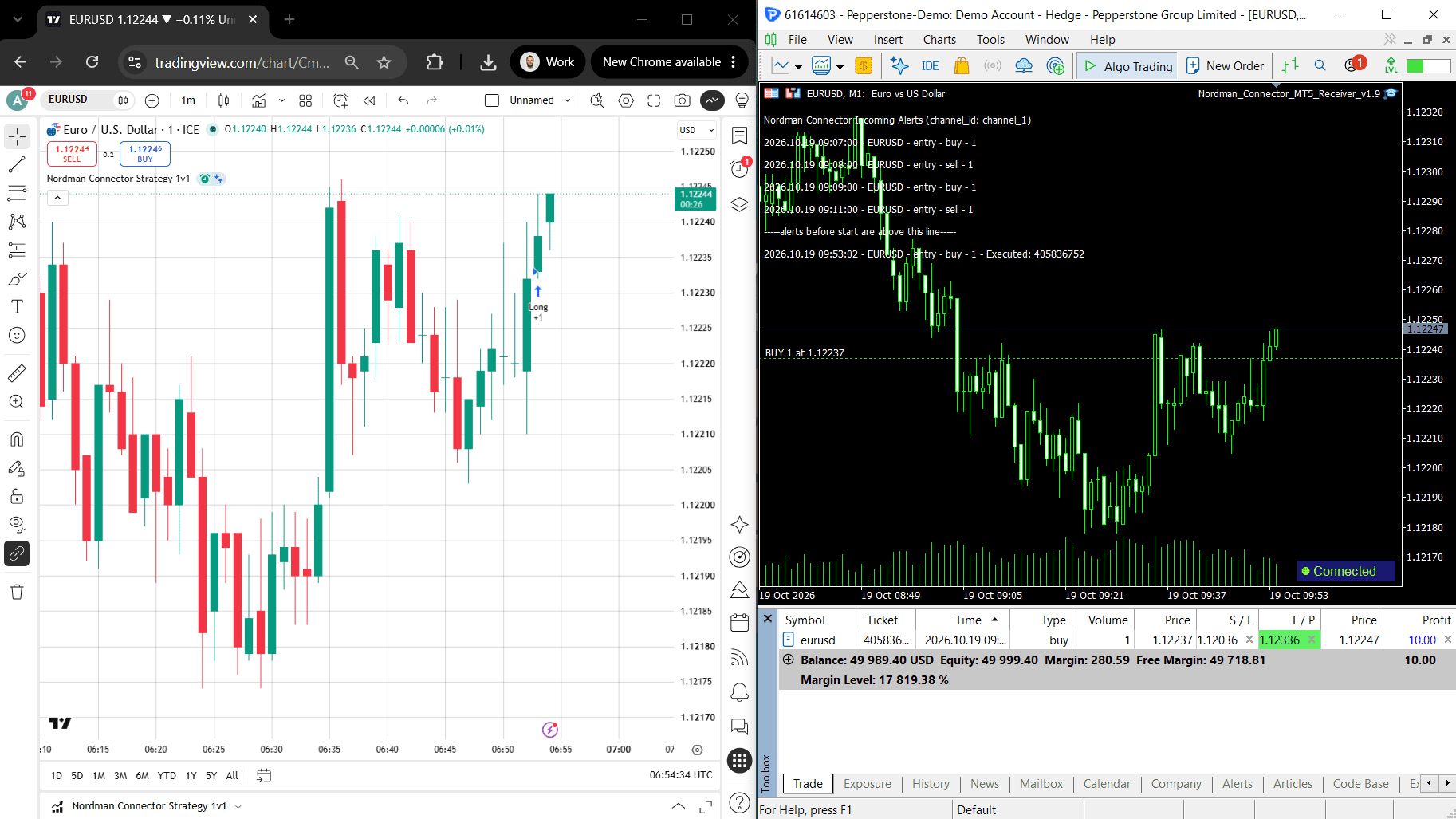
Cloud copier from TradingView alerts to MT5: manual, strategy and indicator workflows, No-Code setup, TP/SL, lot sizing, prop limits, demo + live account.
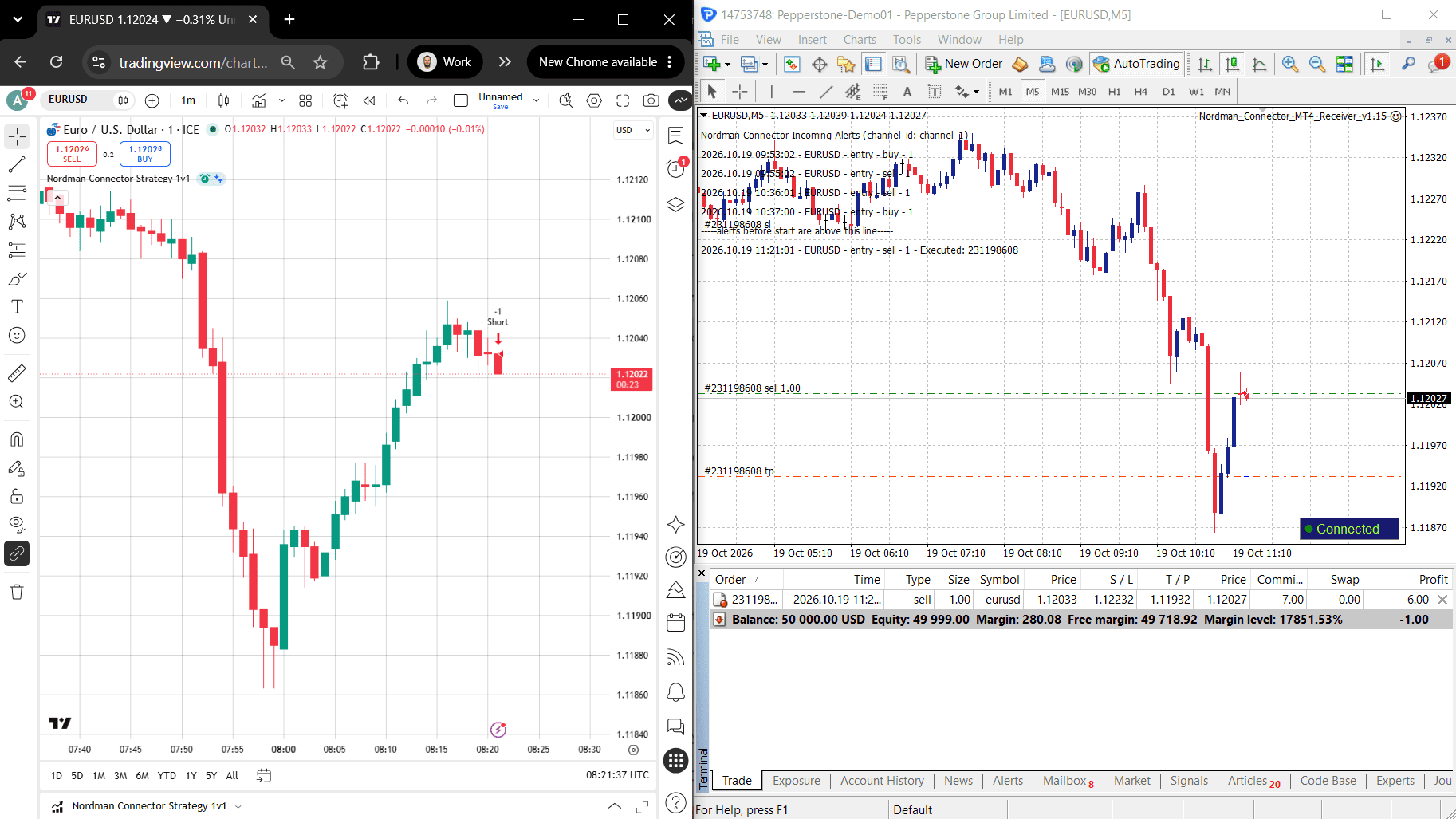
Cloud copier from TradingView alerts to MT4: manual, strategy and indicator workflows, No-Code setup, TP/SL, lot sizing, prop limits, demo + live account.
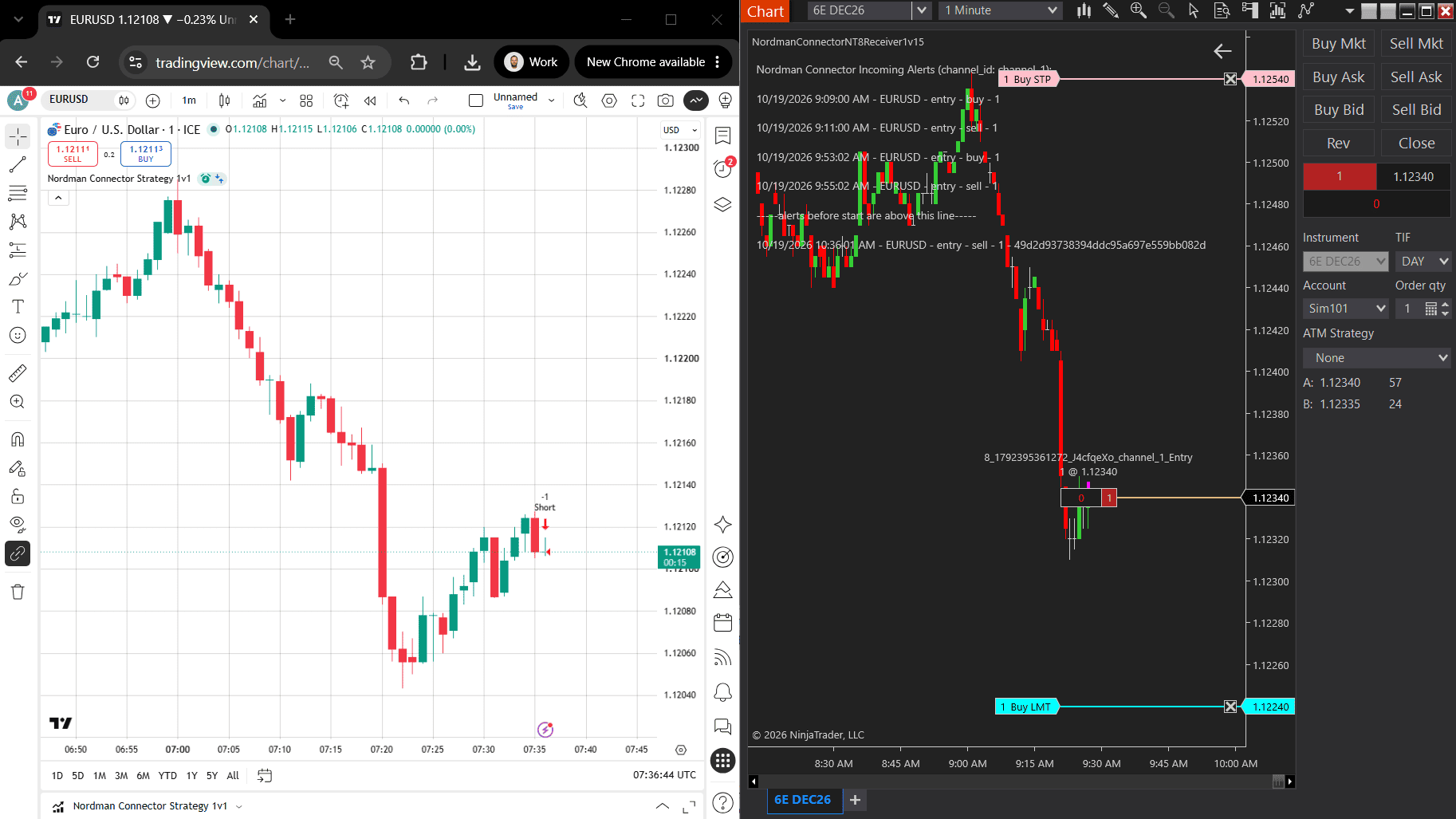 Trending
Cloud copier from TradingView alerts to NinjaTrader 8: manual, strategy and indicator workflows, No-Code setup, TP/SL, position sizing, prop limits.
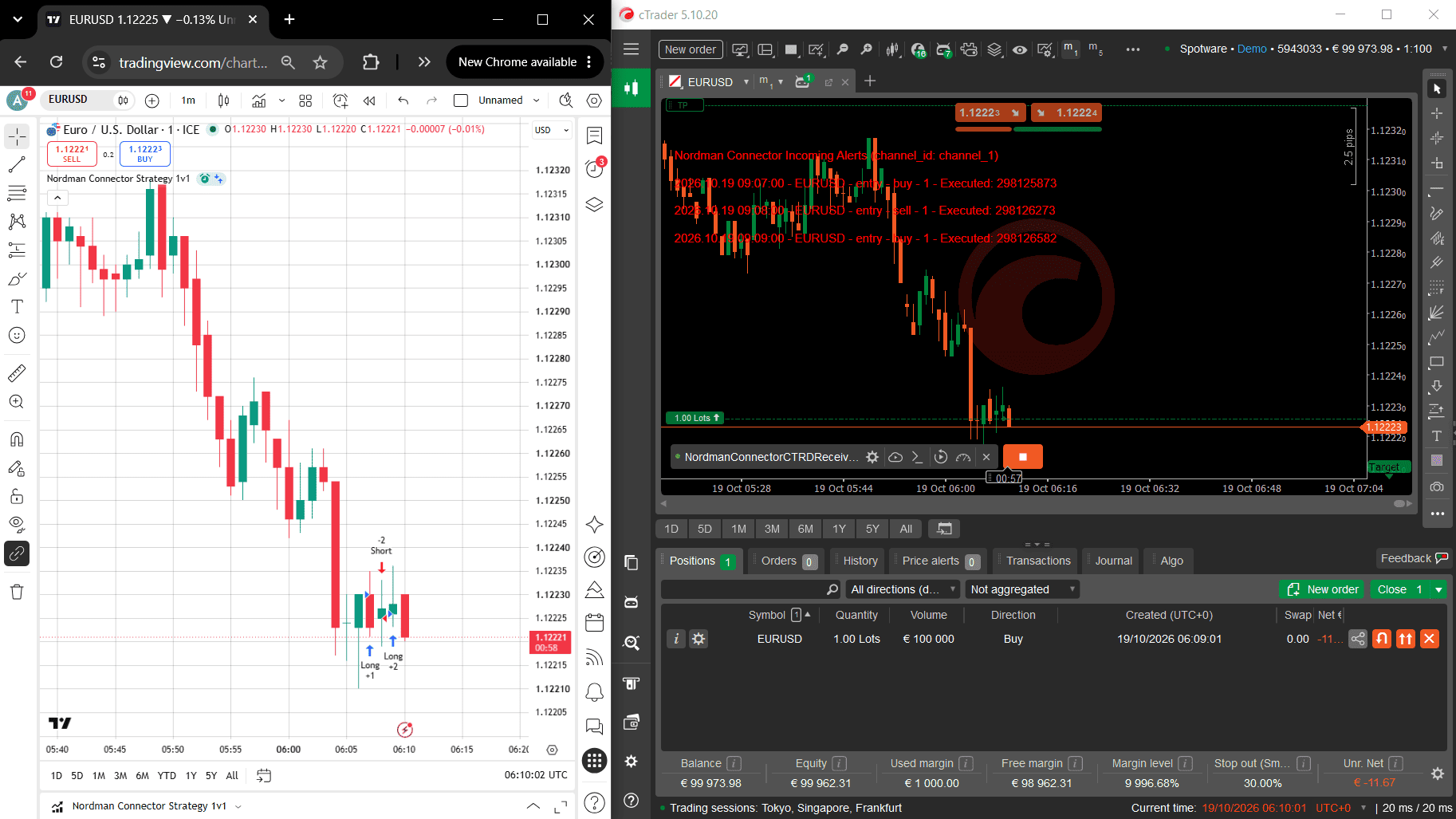 New Release
Cloud copier from TradingView alerts to cTrader: manual, strategy and indicator workflows, No-Code setup, TP/SL, partial exits, prop limits, demo + live.
Browse our trade copiers, or ask us to build a connector around your own alert format.
Each one moves trading information in a different direction. The right choice depends on where your signals come from and what has to happen next.
The signal source sends a message to your receiver the moment an alert fires. Best when you control the source and want each signal acted on as soon as it arrives.
Your software sends a request whenever it needs something — place an order, read positions, check the balance. Used on the execution side of most webhook projects.
Explore REST API →A permanent connection that streams prices, order updates and account changes as they happen. Used when software must react continuously, not only to single alerts.
Explore WebSocket API →Signals posted as chat messages in a channel. They have to be read and interpreted before a trade can be placed — useful when you follow a signal provider.
Signal Copier Development →A webhook developer agrees the signal format, the destination and the execution rules with you before any code is written.
Send where your signals come from, an example alert or message, the platform or broker you trade on, and how each signal should be executed. For an existing setup, include its details and what goes wrong.
Receive the webhook receiver and execution components, source files included in the scope, and the alert message set up for your source. We walk through the specified behaviour and provide technical support under the agreed terms.
Webhook automation from a team that builds and runs signal-execution software of its own.
We run our own webhook system in production, carrying TradingView alerts to MT4, MT5, NinjaTrader and cTrader every day.
Every setup is checked on a demo account with real alerts before it trades live.
Requirements, deliverables, fixed price and acceptance examples are agreed before development begins.
An NDA is available on request. Source code and full IP ownership are transferred on delivery.
Installation help, setting explanations and technical answers within the agreed support scope.
Feedback from clients across our custom trading software projects.
Practical answers about alerts, platforms, accounts and testing.
A webhook is a message one system sends to another the moment something happens. In trading, an alert from TradingView or another source is sent to a receiver, which checks the signal and places the trade on your platform, broker or exchange account — without manual order entry. New to webhooks? Read What Is a TradingView Webhook.
No. You describe what should happen when a signal arrives — which account, which symbol, what size, and how stops and targets are handled. We build the receiver and the execution logic, and set up the alert message for you.
Yes. Indicator and strategy alerts can be sent by webhook and executed on your trading account. TradingView requires a plan that includes webhook alerts, and the receiving side is built for the platform or broker you trade on.
MetaTrader 4 and 5, NinjaTrader, cTrader, Quantower, Tradovate, TradeStation, DAS Trader, Interactive Brokers, Charles Schwab accounts used in Thinkorswim (through the Schwab API) and major crypto exchanges. Any platform with an API or support for add-ons can usually be connected — send us the platform name.
It should be executed only once. TradingView can send an alert again after certain server errors, so the same alert may arrive more than once. The receiver we build recognises repeated deliveries and blocks them, so a resent alert does not place a second order.
Yes. A single signal can be routed to several accounts or platforms, each with its own position size, symbol names and rules — including prop firm limits such as daily loss or maximum position size. See Prop Trading Automation for funded-account workflows.
Yes. Before going live, the setup is tested with real alerts on a demo or paper account wherever the platform provides one, so you can see each signal arrive and each order placed as agreed. Where no demo account is available, the live test plan is agreed with you in advance.
A webhook delivers a structured message straight to the receiver. Telegram and Discord signals are chat messages that must first be read and interpreted. Both can be automated; webhooks are more predictable when you control the signal source.
Where the signals come from, an example alert or message, the platform or broker you trade on, and how each signal should be executed. If you already have a webhook setup that is not working, send its details and we will review it.
Send an example alert, the platform or broker you trade on, and how each signal should be executed. We will review it and outline a practical scope for your webhook project.


