Here is a trader on the MQL5 forum, the morning after moving his signal to a new account. “I tried to move my signal to an account that uses ‘.a’ suffix and didn’t realise the signal wouldn’t work as they trade with no suffix” (cklord, February 2023). His strategy was fine. His copier was fine. The pair he wanted to trade was on the screen, the same way it is on yours. The trades simply didn’t happen, and the first reply from a moderator was four words long: “Look for another broker.”
You will meet this the first time you copy a trade between two platforms, and probably not before. An alert fires on EURUSD. The copier sends the order. Your terminal rejects it, because at your broker that pair is called EURUSDm, or EURUSD.ecn, or EURUSD-Pro. Same market, different label, dead trade. That is the symbol mapping problem.
In this article, I’ll show you what mapping actually does, why brokers can’t agree on a name, and why futures make it worse four times a year. You’ll see the exact rule the biggest copy service on the market uses to match symbols, and the three ways copiers try to solve it. By the end you’ll know why the honest industry answer is “change broker”, and how to build a setup where the question never comes up.
Symbol mapping is a translation layer between two systems that call the same instrument by different names. The signal says “buy EURUSD”. Your terminal lists EURUSDm, and you didn’t pick either name. Something has to bridge that gap, and the bridge is a rule: when you receive EURUSD, execute on EURUSDm. Without it the order fails outright or, worse, lands on a different instrument that happened to match part of the name.
The idea is not complicated. The implementation is where things break, and they break quietly, usually on your first live signal. Here is how cklord described what was actually on his screen. “In the terminal there is both EURUSD and EURUSD.a – I can only trade on EURUSD.a but the signal is on EURUSD.” Two candidates, one tradeable, and the copier picked neither. Hold that picture. It comes back below, and you’ll see it on your own screen sooner or later.
There is no universal naming standard for instruments in retail trading. The FIX protocol defines identifiers at the exchange level, but retail platforms don’t enforce them. Every broker builds its own symbol list, and the names reflect your broker’s plumbing: account types, liquidity pools, jurisdictions. On MetaTrader alone, three patterns produce most of the mess.
Here is what that looks like from the receiving end. A trader on an Australian raw-spread account: “Their RAW symbols have EURUSD.i (.i) suffix. When I subscribed to a symbol it attempts to buy the none RAW spread symsbol (no suffix) and comes back as failed” [sic] (Meepmeep_, October 2021). The moderator’s reply was the same as always: “It is mapping, and it can not be fixed… It may be fixed by changing the broker only.”
The Forex naming problem is annoying. The futures naming problem is structural, because the two sides of your setup don’t even describe the same kind of thing.
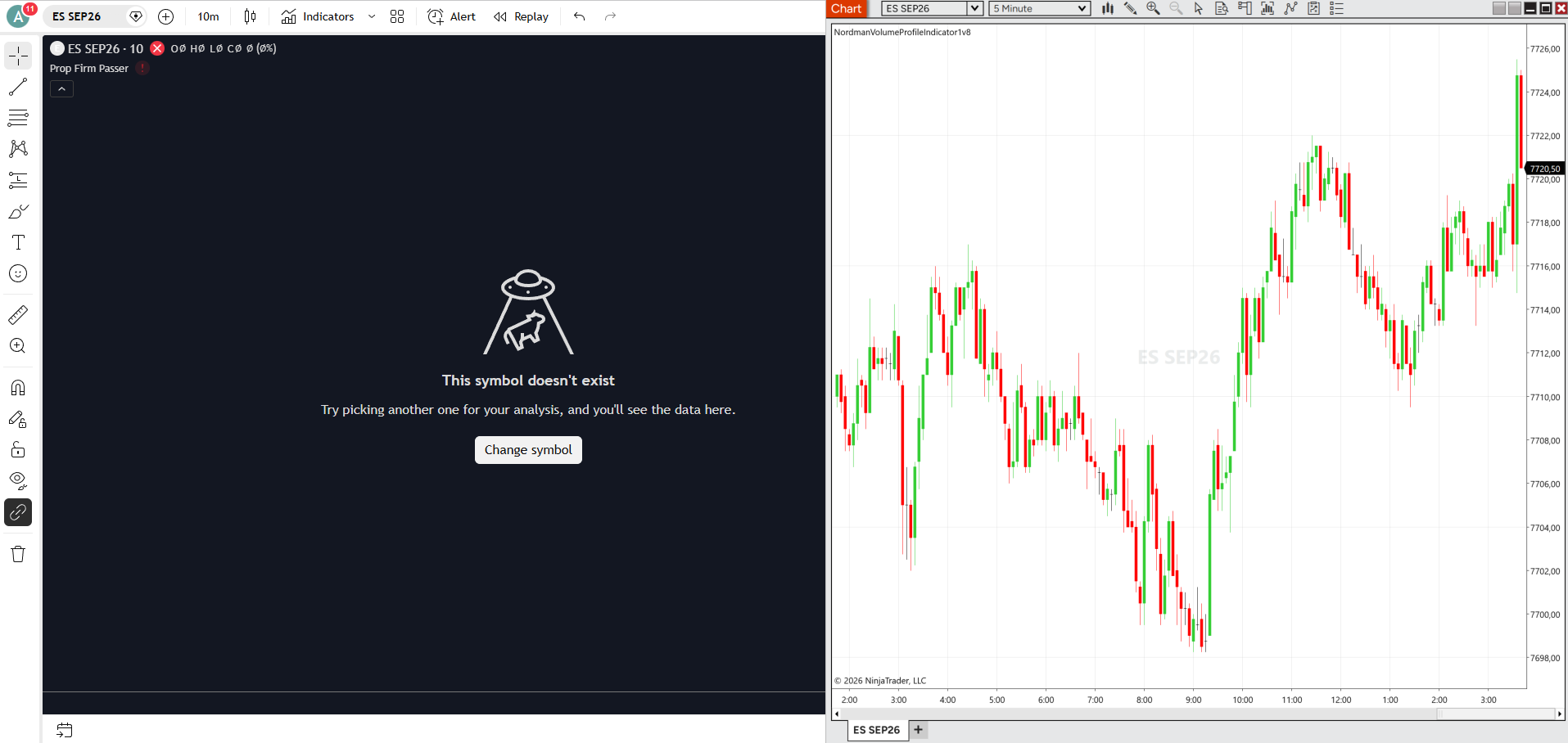
TradingView uses continuous contracts: NQ1!, ES1!, MNQ1!. These are synthetic series that roll from one expiry to the next on their own. They are not a tradeable contract. They are an idea of one. NinjaTrader needs the real contract, month and year spelled out: MNQ 09-26, ES 12-26. So when TradingView fires on NQ1!, your receiving side has to know that right now NQ1! means one specific expiry, and next quarter it means the next one.
The rollover doesn’t even happen on the same day everywhere. NinjaTrader rolls on a date-based schedule tied to exchange rollover dates. Some brokers roll on volume, switching only when the new contract out-trades the old one. Around those dates, as a competing copier’s own support page puts it, the copier sees you trading one contract while receiving orders for another (FlowBots). Four times a year, every futures trader running a cross-platform copier walks through a window where mapping can silently break.
Now multiply the naming problem by the number of platforms you touch. One signal source, four destinations, and every cell in this table is a place your trade can die.
| Signal source (TradingView) | MT5 broker A | MT5 broker B | MT4 broker C | NinjaTrader 8 |
|---|---|---|---|---|
| EURUSD | EURUSD.ecn | EURUSDm | EURUSD-Pro | EUR/USD or 6E |
| XAUUSD | XAUUSD | GOLD | XAUUSDm | GC (futures) |
| NQ1! | NAS100 | US100Cash | USTEC | MNQ 09-26 |
| BTCUSD | BTCUSD | BTCUSDm | Bitcoin | BTC/USD |
| US30 | DJ30 | US30.cash | DJI30 | YM 09-26 |
Miss a cell and your trade doesn’t execute. Fill a cell wrong and you trade the wrong instrument entirely. Indices are the worst offenders for you, because they aren’t even the same product across brokers. One trader’s log said it all: subscriber symbol US500, provider symbol US500Cash or US500-DEC21, journal entry “Skipped as symbol not found” (MQL5 forum, October 2021).
Three approaches cover the industry, and it helps you to see the biggest one written down. MQL5’s own Signals service publishes its matching rule, and a moderator quoted it in full for a trader who couldn’t get EURUSD.e to copy from EURUSD.
Read that last clause again, because it will bite you. More than one match is a failure. That is exactly cklord’s screen: EURUSD and EURUSD.a both matched on six characters, so the service matched nothing. The rule also only accepts Forex-type symbols, which is why the US500 trader above was told, correctly, that his index would never copy. Yours won’t either. And it has precisely two hard-coded exceptions, XAUUSD equals GOLD and XAGUSD equals SILVER. Everything else is on you and your broker’s list.
Symbol mapping can’t be solved at scale, and not because the code is hard. It’s because the data moves under you while you sleep. Brokers rename symbols without notice. Your account migration changes suffixes overnight. Futures roll every quarter. CFD providers invent their own names for the same underlying. Micro, mini and standard sizes each get a variant. You can’t keep a reliable table against a list that changes without warning, and nobody will warn you.
Notice what the industry’s real answer is. Two different moderators, two different threads, one reply: change broker. When the expert advice for your software problem is to change your bank, the software was never going to fix it for you. The question isn’t “how do we map symbols better”. It’s “how do we take mapping out of the execution path entirely”.
Nordman Connector removes the mapping step instead of improving it. The Receiver, our component inside your terminal, attaches directly to the chart of the instrument you want to trade. Whatever symbol is on your chart is what gets executed. No lookup, no JSON, no suffix stripping.
Run cklord’s case through it, or your own. TradingView fires on EURUSD. Your Receiver sits on your broker’s EURUSD.a chart. The Receiver doesn’t know or care what TradingView called it; it places the order on the chart it is attached to. There are no two candidates, because you chose the one when you opened the chart. Same for your futures: TradingView says NQ1!, you attach the Receiver to MNQ 09-26 in NinjaTrader. When the quarter rolls, you drag it to MNQ 12-26. One drag, no file.
The approach is the same for you on MT4, MT5, NinjaTrader 8 and cTrader: attach to chart, receive the signal, execute locally. Based on our internal measurements the chain runs in about 0.5 seconds end to end. It also means your webhook message never has to carry the symbol at all, which closes most of the failure list in What Is a TradingView Webhook. If you’re still choosing an architecture, the three types are compared in What Is a Trade Copier.
| Before your first live copy | What it saves you from |
|---|---|
| Open Market Watch and count how many symbols start with your pair’s first six letters. | The two-candidates failure. More than one match is a fail in most copiers. |
| Check which one your account can actually trade, not just see. | Mapping to the symbol your broker shows you but won’t let you trade. |
| For indices and metals, write down the exact broker name. Don’t assume XAUUSD. | “Skipped as symbol not found” on the one instrument you wanted. |
| On futures, put the next rollover date in your calendar now. | A quarter-end where NQ1! silently means a contract you aren’t watching. |
| If your copier uses a mapping file, test one instrument at a time on a demo before going live. | Finding the wrong cell with real money. |
| Or attach the receiver to the chart and skip the table. | The whole category. |
The chart-attached Receiver above is in every Nordman Connector copier. Five days of trial covers a full week of your own symbols, on your own broker’s names.
Need a bridge into a broker or platform with its own naming rules? We build to order → MT4 Programmers for Hire
Nordman Algorithms provides software infrastructure for trade automation and does not offer financial advice, trading signals, or managed trading services. This article is for informational and educational purposes only. Forum quotations are reproduced verbatim from public threads for illustration and do not constitute endorsement. Broker symbol names in the table are illustrative examples of naming patterns, not a directory. Trading leveraged instruments such as Forex, CFDs and futures carries a high level of risk and may not be suitable for all investors. Only risk capital should be used. Full Risk Disclosure: https://www.nordman-algorithms.com/risk-disclosure/