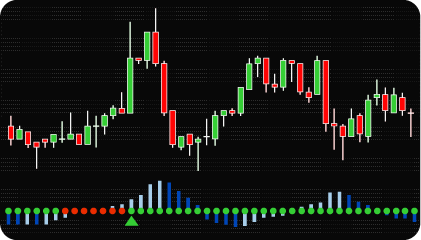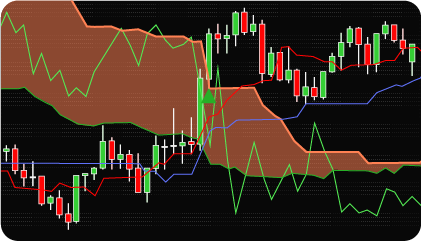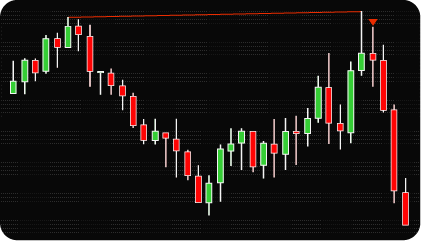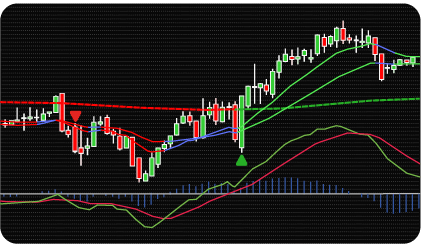

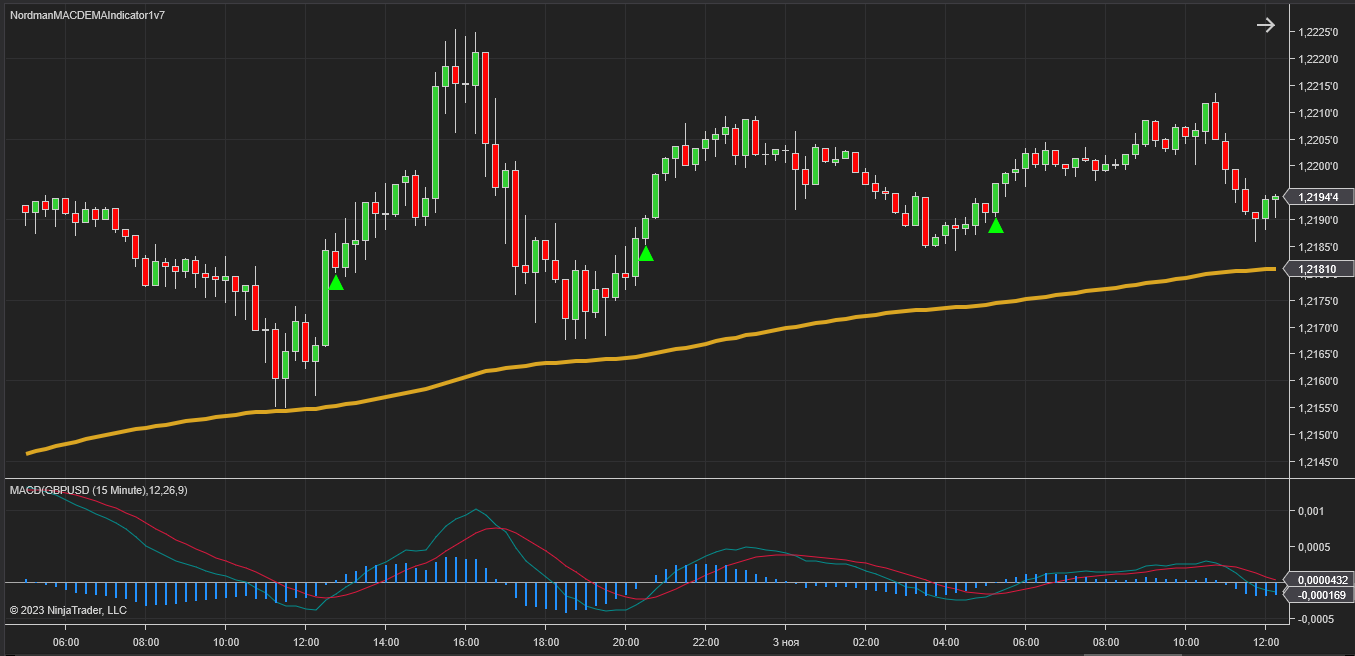
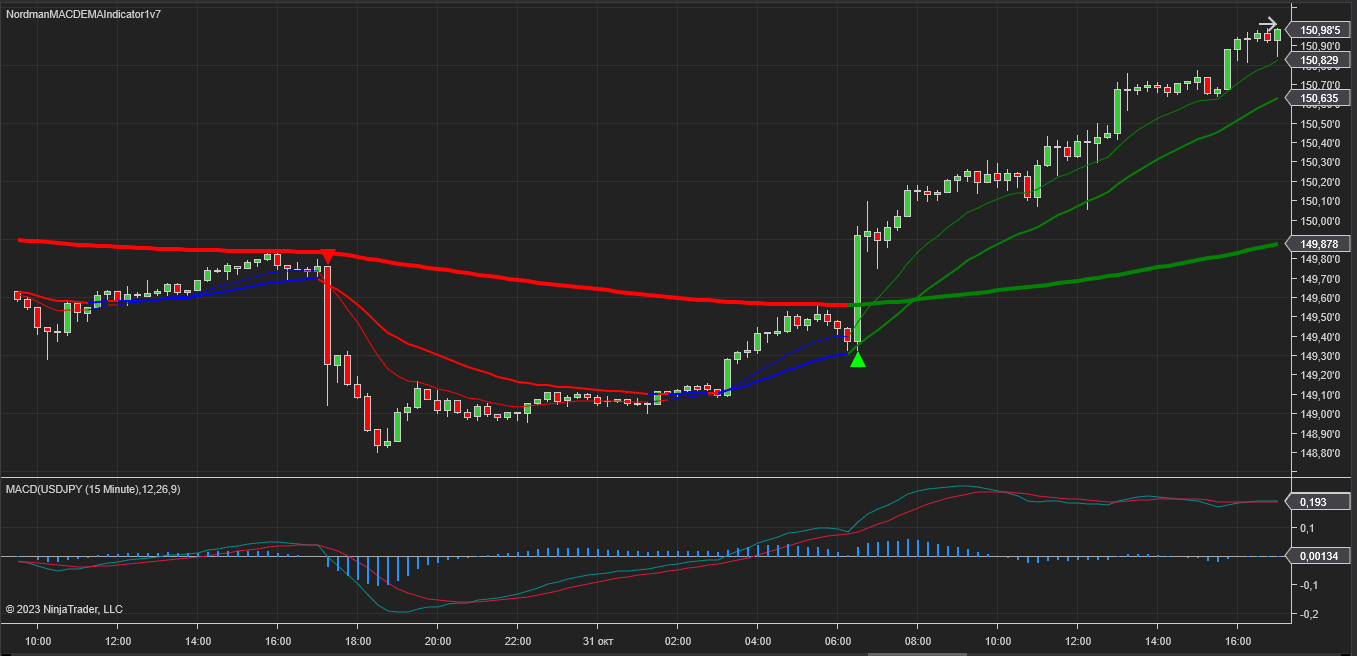
NinjaTrader MACD + EMA Indicator is a technical analysis tool that combines MACD and EMA to evaluate trend direction and momentum context, each addressing a different dimension of price behavior — momentum strength and directional context. Both MACD and EMA are established technical analysis tools, each with a distinct analytical function that makes their combination structurally coherent.
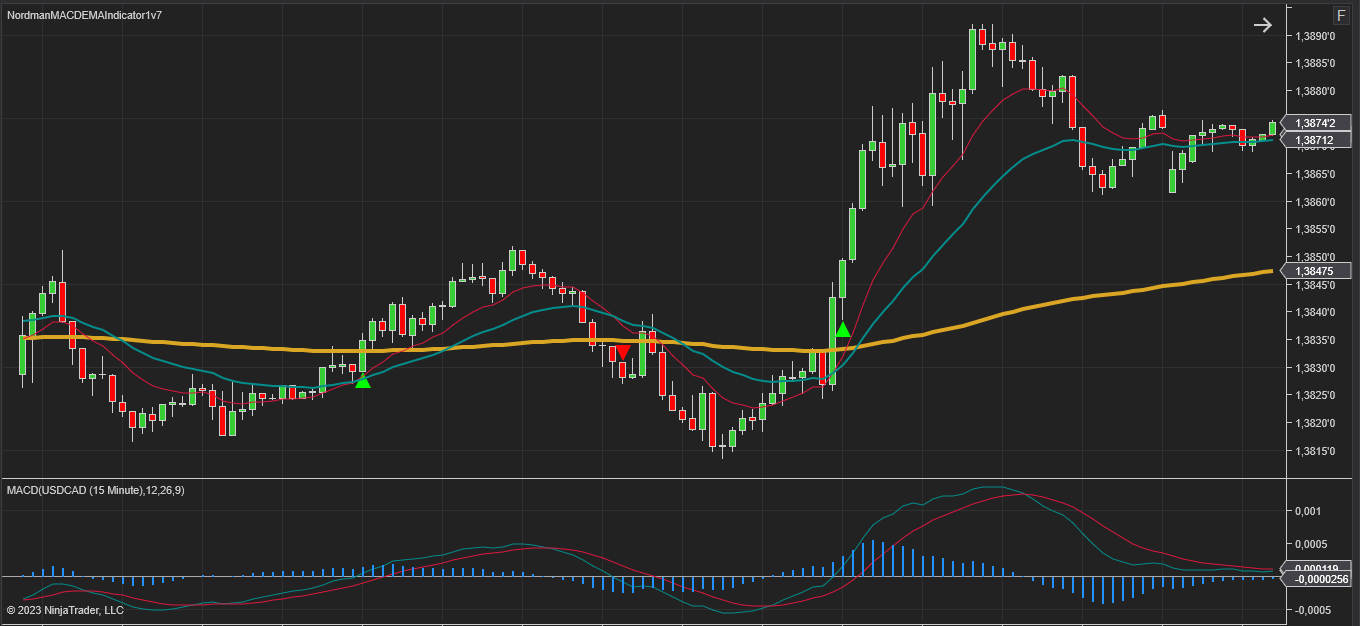
The MACD indicator is employed to assess the strength and direction of a trend, as well as to evaluate potential momentum shifts. It is designed for market conditions with sufficient price movement to produce meaningful MACD readings. MACD evaluates trend strength and direction, providing context for trend-based price analysis. The EMA provides a smoothed reference for the prevailing trend direction, complementing the MACD momentum assessment.
Using MACD and EMA together addresses a structural limitation of each indicator in isolation. MACD measures the relationship between two moving averages and reflects momentum shifts, but it does not distinguish between a sustained trend and a short-term price fluctuation. EMA provides a single directional reference — price above or below a moving average — but does not capture momentum strength or convergence dynamics. When combined, EMA filters the directional context while MACD evaluates whether momentum within that direction is building or weakening, reducing the likelihood of evaluating a technical reading against an ambiguous trend background.
Key parameters — including moving average type, period, and MACD settings — are adjustable to fit different analytical approaches.
To support timely awareness of registered technical readings, the indicator provides settings for various types of alerts.
The indicator includes two modes of trading strategies: Classic and Advanced.
Classic Strategy
It is a classic version of the MACD + EMA trading strategy.
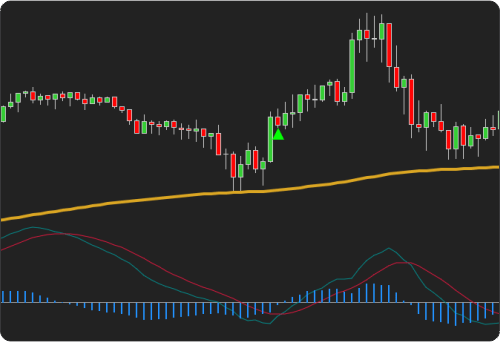
Bullish condition
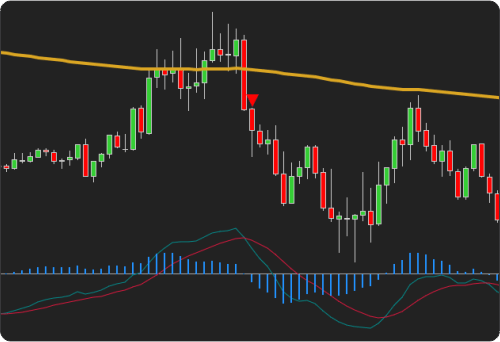
Bearish condition
Advanced Strategy
It is an extended version of the classic MACD + EMA trading strategy with additional conditions for registering a technical reading.
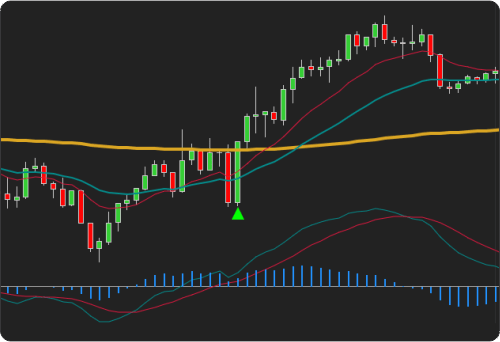
Bullish condition
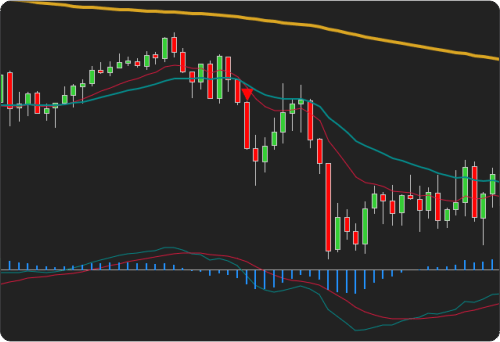
Bearish condition
The MACD + EMA indicator reflects mathematical relationships between price averages based on historical data. It does not predict future price movement, performs differently across market conditions and timeframes, and registered technical readings do not guarantee any particular market outcome. All output should be evaluated within a broader analytical framework.
The indicator has the following parameters:
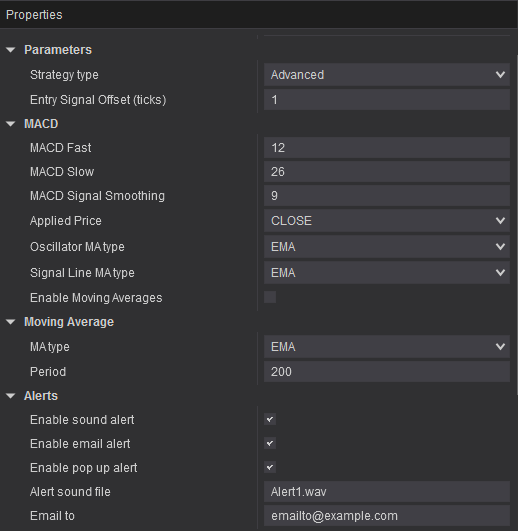
Alerts – setting up various types of alerts.
Strategy Type – switching strategy modes Classic / Advanced.
MACD – setting up key MACD parameters.
Moving Average – setting the type and period of the moving average.
Enable Moving Averages – this parameter allows you to make the display of indicator lines more visual for interpreting analytical data. Green EMA line – the price is above the EMA line, red line – the price is below the EMA line. Green reflects an upward price context, red reflects a downward price context, blue reflects a neutral context.
We can customize this indicator to your needs — adding functions, modifying logic, or integrating it with other tools for your workflow.
We also convert indicators into Automated Trading Strategies with advanced functions (trailing stops, risk management, filters) tailored to your trading style strictly according to your specifications.
Request a free consultation to discuss the technical scope and timeline of your project.
We are committed to the ongoing development and refinement of our indicators. If you’ve spotted a bug, feel that something essential is missing, or have ideas that could make the indicator even better, just send us a message. Your feedback helps us improve and deliver tools that truly meet traders’ needs.
Nordman Algorithms is a trade name of Nordman Algorithms OÜ (Reg. No. 14435535), registered in Tallinn, Estonia.
Software Nature & User Responsibility — Nordman Algorithms provides algorithmic software tools for technical analysis. Nordman Algorithms is not a financial advisor and is not liable for any losses. All trades conducted based on the software’s output are executed at the user’s sole discretion and risk.
Visual Markers & Signal Disclosure — This software may display visual markers (such as arrows, dots, or alerts) when predefined mathematical conditions are met. These markers are provided for educational and analytical purposes only, must not be interpreted as financial guidance, and do not constitute a recommendation to buy, sell, or hold any financial instrument. Users must independently validate all visual cues within their own trading methodology.
No Financial Advice — Nordman Algorithms does not provide discretionary trading signals, investment advice, or managed signal services. Our software represents a mathematical visualization of historical and real-time data. The appearance of a visual marker does not guarantee a profitable trade or predict future market behavior.
Trading Risk Warning — Futures, Forex, and options trading involve significant risk. Risk capital is money that can be lost without jeopardizing financial security. Only risk capital should be used for trading. Past performance is not indicative of future results. View Full Risk Disclosure: https://www.nordman-algorithms.com/risk-disclosure/
ESMA Risk Warning — Financial instruments, especially those involving leverage such as CFDs and Forex, are complex and carry a high risk of rapid financial loss. Our software provides analytical outputs and visual markers based on predefined mathematical conditions and does not mitigate or reduce inherent market risks. You should carefully consider whether you understand how leveraged financial instruments work and whether you can afford the high risk of losing your capital.
CFTC Rule 4.41 — Hypothetical or simulated performance results have inherent limitations. Unlike actual performance records, simulated results do not represent real trading. Because trades have not actually been executed, these results may under- or over-compensate for the impact of market factors such as liquidity. No representation is being made that any account will achieve profits or losses similar to those shown.
Trademark Notice — NinjaTrader® is a registered trademark of NinjaTrader Group, LLC. No NinjaTrader company has any affiliation with the owner, developer, or provider of the products or services described herein, or any interest, ownership or otherwise, in any such product or service, or endorses, recommends or approves any such product or service.