We provide professional conversion services for TradingView indicators and strategies — rebuilding them in C# using the cTrader cAlgo API. Our developers work with both Pine Script and C# on a daily basis, which allows us to handle the structural and functional differences between the two platforms accurately and without loss of analytical logic.
TradingView and cTrader use fundamentally different programming architectures. Pine Script is an interpreted, series-based language designed for chart calculations and visual output. C# in cTrader is a compiled, object-oriented language with a different execution model, event-driven structure, and direct access to the cTrader order management and broker infrastructure. A conversion is not a line-by-line translation: it requires understanding what the original Pine Script code does analytically, and then implementing that behavior correctly within cTrader’s cAlgo framework.
Our team has experience converting a wide range of TradingView scripts — from simple overlay indicators to complex multi-condition strategies with alerts, filters, and position logic — and handles edge cases including Pine Script v5 syntax, request.security() replacements, and repainting behavior.
We convert TradingView strategies to cTrader cBots — automated trading systems that run natively within the cTrader platform and connect directly to supported brokers for live execution. The converted cBot implements the entry and exit logic of the original Pine Script strategy within cTrader’s event-driven execution framework, with full access to the platform’s order management, position tracking, and backtesting capabilities.
What the strategy conversion covers:
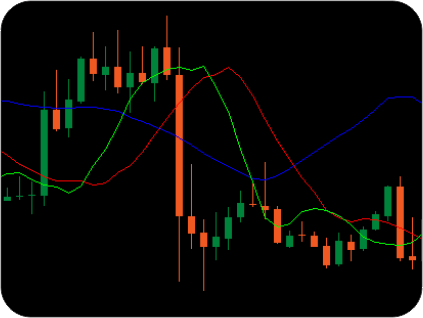
Differences between Pine Script’s strategy execution model and cTrader’s bar-close and tick-level event model are handled explicitly during conversion — ensuring that the converted cBot behaves consistently with the original analytical intent.
We convert TradingView indicators to cTrader custom indicators — tools that run natively on cTrader charts and integrate with the platform’s alert system, multi-timeframe data access, and analytical infrastructure.
What the indicator conversion covers:
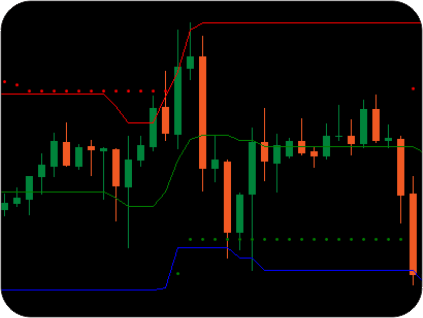
If additional features are needed beyond what the original indicator provides — such as scanner functionality, dashboard overlay, or additional confirmation logic — our team can add them as part of the conversion project.
We also perform conversions in the reverse direction — from cTrader to TradingView. If you have an existing cBot or custom indicator in C# and need it rebuilt in Pine Script for use on the TradingView platform, our team handles the full conversion including adaptation to Pine Script’s series-based execution model and TradingView’s visual output framework.
Every conversion project includes:
To discuss your conversion project, request a free technical consultation. Share your TradingView script and describe any specific requirements or modifications you need. Our developers will review the source code, assess the conversion scope, identify any platform-specific challenges, and provide a detailed estimate for timeline and cost.


